Webflow vs. Framer: Which One Actually Grows With Your Design Business?


The short answer: choose Framer when speed and visual impact matter most, like landing pages, portfolios, startup and campaign sites. Choose Webflow for content-heavy sites, serious SEO, e-commerce, and long-term client relationships. If you're starting out, pick one and go deep before learning both.
Key takeaways
- The right platform depends on your clients and business model.
- Framer ships faster and feels natural to Figma users.
- Webflow's CMS and SEO depth support sites that grow.
- Webflow's structure often leads to ongoing client relationships.
- Master one platform before splitting your focus.
Is Webflow or Framer better for designers?
That's the wrong question. The real question is which one supports your growth, based on how you work, what clients you want, and where you're taking the business. Both tools are capable and both can make you money. But they're built differently, and landing on the wrong one slows you down and costs real dollars.
When is Framer the right choice?
If you're in Figma all day, Framer feels like home. Same canvas logic, same mental model. You design, you publish, and what you see is basically what goes live.
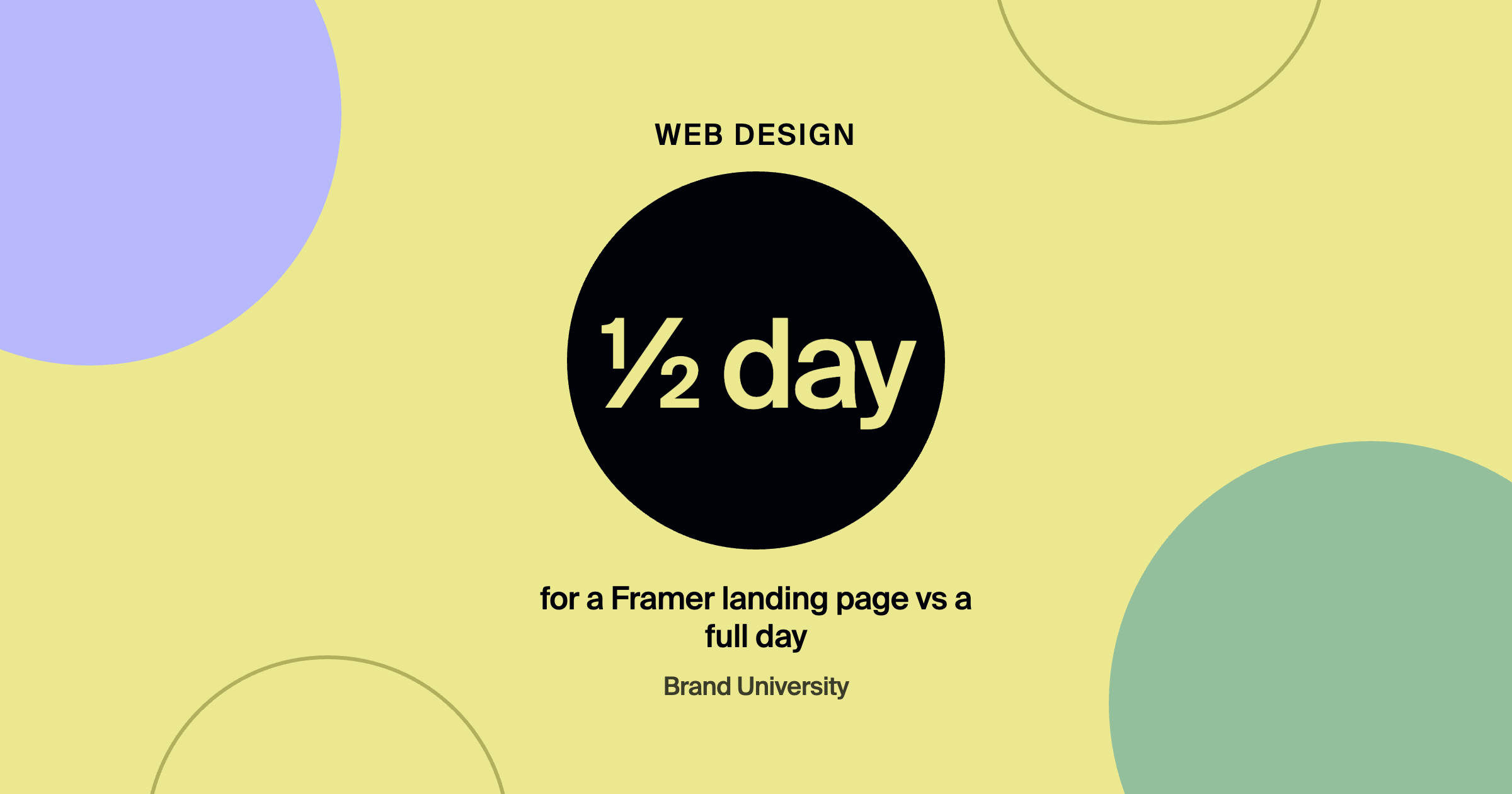
The speed difference is real. A landing page that takes a full day in Webflow can take half a day in Framer. If you're billing $75 to $100 an hour, that's money in your pocket on every project.
Animations are native: scroll effects, hover states, and parallax are built in at the component level with no custom code. Client handoffs can be easier too, and Framer sites tend to look premium out of the box.
Where it hits a wall: the CMS is lighter. Fine for simple blogs, but if a client wants a real content operation with hundreds of posts, nested categories, and technical SEO, you'll feel the ceiling. There's no native e-commerce, and the ecosystem is smaller than Webflow's, which matters when you're debugging late before a launch.
Framer is the right call for landing pages, portfolios, startup sites, and campaign builds, anything where speed and visual quality are the whole game.
When is Webflow the right choice?
Webflow isn't really a design tool. It's a visual development environment that outputs real HTML, CSS, and JavaScript and forces you to think in web logic. Expect a real learning curve, often a few months before you're fast. Once you're fluent, the ceiling is much higher.
The CMS is the main reason: advanced collections, dynamic templates, nested categories, schema markup, and granular SEO settings. If a client needs a content marketing engine, Webflow is the obvious choice. branded by explains why it standardized on the platform in we bet on Webflow before it was the obvious choice.
Scalability is the other advantage. A landing page can grow into a full site without tearing everything apart. And Webflow's structure is good for your business: clients can update basic content themselves, but usually need you for anything structural. That means ongoing work and retainers. Website Maintenance Retainers covers how to package it.
Where Webflow hits its ceiling: it's slower to ship, can cost more when managing many client sites, and needs more configuration. If you want to launch something tomorrow, Framer wins.
Webflow is the right call for full marketing sites, content platforms, ongoing SEO, e-commerce, and any client you want a long-term relationship with.
Framer or Webflow
| Factor | Framer | Webflow |
|---|---|---|
| Best for | Landing pages, portfolios, startup and campaign sites | Marketing sites, content platforms, ongoing SEO, e-commerce |
| Speed | A landing page in about half a day | Slower, with a few months to get fast |
| CMS | Lighter, fine for simple blogs | Advanced collections, nested categories, schema markup |
| Long-term work | Easier client handoffs | Structural changes bring ongoing work and retainers |
What does the market data show?
As of early 2026, Framer had overtaken Webflow in Google Trends search interest, and its momentum was real. But Webflow still powered far more live sites, and its ecosystem, job market, and agency infrastructure remained much larger. In designer communities the consensus has been consistent: Webflow for long-term content sites, Framer for high-impact landing pages.
How should a design agency decide?
Go Webflow-first if you want long-term client relationships, retainers, and complex builds. You become the person they can't replace.
Go Framer-first if you want to move fast, work with design-forward clients, and build volume. Strong Framer specialists are in demand.
Use both if you're experienced enough to stay fluent in two platforms: Framer for quick-turn projects, Webflow for serious CMS or ongoing work. If you're just starting out, pick one and go deep first.
Frequently asked questions
Is Framer good for SEO?
It handles basic SEO well. For large content sites with complex structure and technical SEO needs, Webflow offers more control.
Can clients edit Framer and Webflow sites themselves?
Yes, both have client-friendly editors for content changes. Structural changes usually still need a designer.
Which is faster to learn?
Framer is usually faster for Figma users. Webflow takes longer but builds a deeper understanding of how websites work.
Where to go from here
Framer is the move for speed and visual impact. Webflow is the move for scale, SEO, and longevity. Neither is wrong. Pick one, get good, then expand. Compare with Webflow vs. WordPress, see how to speed up Webflow builds in Claude + Webflow, and join Brand University on Skool for the full tool stack.
About the author
Evan Barnes is the founder of Brand University and of branded by, a brand-first growth agency based in Greenville, South Carolina. He built Brand University to teach designers the business side of design, from positioning and pricing to running client work, and more than 1,200 designers now learn inside the Brand University community on Skool.