The Project Management Tool Stack for a Small Agency


The short answer: a small design agency needs one project management tool with a simple status board (backlog, in progress, review, done), a cleaner client-facing view, a CRM for leads and clients, and a weekly review habit. The specific tool matters far less than using it consistently.
It's easy to spend more time evaluating tools than managing projects. A small agency needs a simple system everyone, including the client, can follow without training.
Key takeaways
- Any modern tool can track tasks, owners, deadlines, and communication.
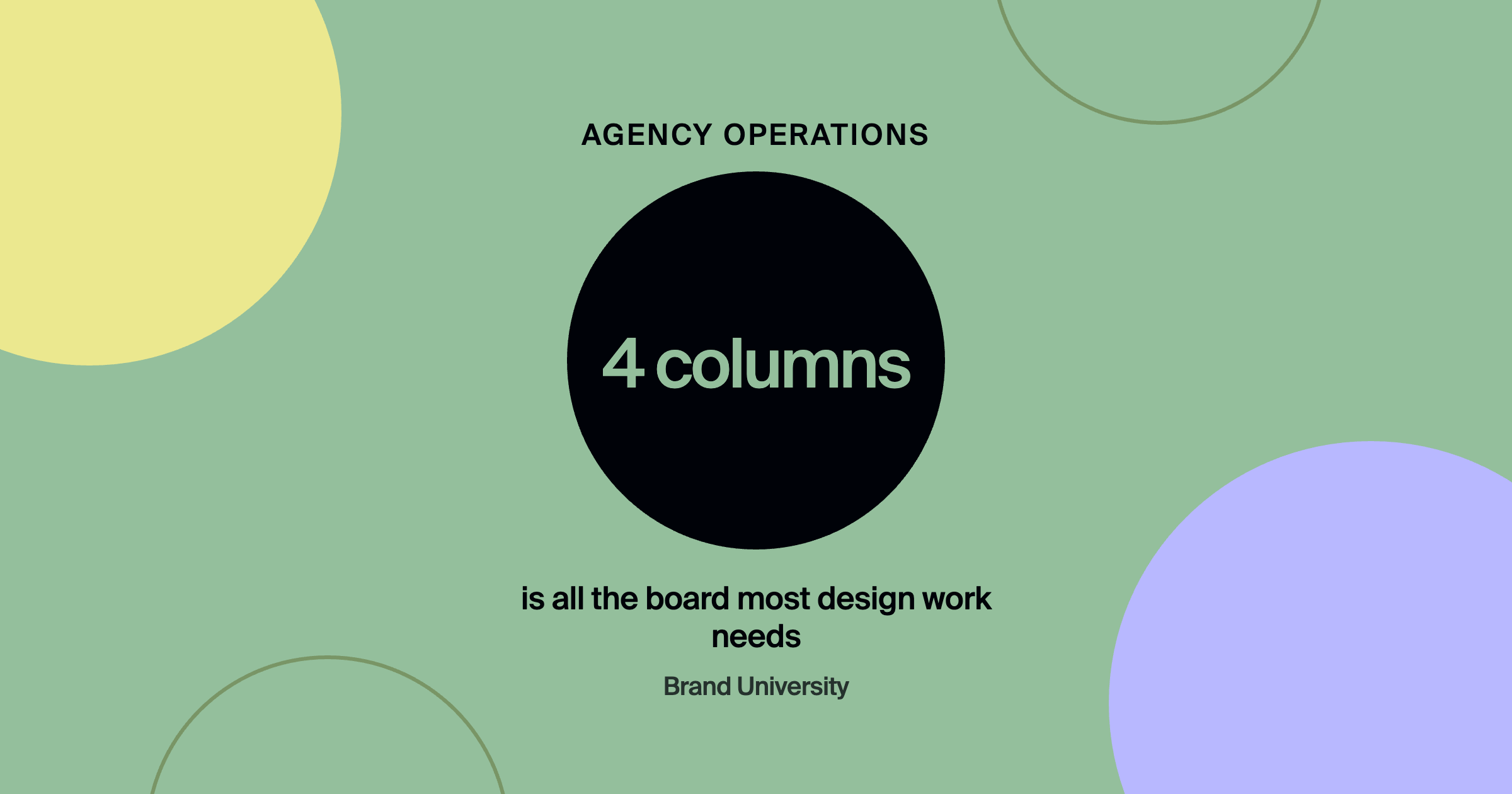
- A four-column status board works for almost all design work.
- Keep internal work separate from what clients see.
- A weekly review matters more than the tool.
- Don't switch tools unless the current one truly blocks the work.
What does a design agency project management tool need to do?
Four things: show what's in progress, show who owns each task, hold deadlines, and keep project communication in one findable place. Notion, Asana, ClickUp, Monday, and similar tools all do this. The process around the tool is what makes it work.
The small agency stack
| Piece | What it handles |
|---|---|
| Project tool | What's in progress, who owns it, deadlines, communication |
| Status board | Backlog, in progress, client review, done |
| Client view | Milestones, what needs feedback, upcoming deadlines |
| CRM | Leads, follow-ups and client history |
| Weekly review | Fifteen minutes on overdue, blocked and coming up |
What board structure works best for design projects?
A simple status board: backlog, in progress, client review, done. It's easy for everyone to understand, including clients. Boards with a dozen custom statuses usually get abandoned because they take more effort to maintain than they save.
Should clients see your project board?
Give them a simplified view: milestones, what needs their feedback, and upcoming deadlines. Keep internal task noise out of it. Clear visibility at the right level builds trust without oversharing.
Does a small agency need a CRM too?
Yes, for leads, follow-ups, and client history, which project tools don't handle well. Even a free CRM with a simple pipeline prevents lost leads and forgotten follow-ups. branded by explains its setup for clients in why every new client gets set up on HubSpot in month one, and the same structure works for an agency's own sales. If your team lives in Notion, Claude + Notion for agency systems covers a lightweight CRM there.
How often should you review projects?
Weekly. Fifteen minutes on what's overdue, blocked, and coming up catches problems while they're small. The best tool doesn't help if nobody looks at it.
Frequently asked questions
What's the best project management tool for a small design agency?
The one your team will actually use every day. Notion, Asana, and ClickUp are all common and capable choices.
Should I use the same tool for projects and CRM?
It can work for very small teams, but a dedicated CRM usually handles pipelines and follow-ups better as you grow.
How do I get clients to use the project tool?
Keep their view simple, send them direct links to what needs feedback, and show them once on the kickoff call.
Where to go from here
Workflow and delivery systems are covered inside Brand University. Pair this with Time Tracking Without Making Your Team Hate You, and join Brand University on Skool for the Notion operating system template.
About the author
Evan Barnes is the founder of Brand University and of branded by, a brand-first growth agency based in Greenville, South Carolina. He built Brand University to teach designers the business side of design, from positioning and pricing to running client work, and more than 1,200 designers now learn inside the Brand University community on Skool.