Structuring a Website Around One Action, Not Ten


The short answer: decide the one action you most want visitors to take, like booking a call, requesting a quote, or buying, before designing anything. Make that action the most visually prominent element, repeat it at logical points down the page, trim navigation to pages that support it, and push secondary actions into the background.
A homepage with ten equal menu items, a rotating hero slider, and buttons competing in every direction is asking visitors to make a decision it never helped them make. Sites that convert are built around one primary action, with everything else clearly secondary.
Key takeaways
- Pick the primary action before any layout work.
- Make it the most visually dominant element on the page.
- Repeat it where a visitor is likely ready to act.
- Cut navigation down to what supports the goal.
- Holding this line with clients is part of the job.
How do you choose a website's primary action?
Ask what action most directly leads to revenue for this business. For a service company, it's usually booking a call or requesting a quote. For e-commerce, it's adding to cart. For a SaaS product, it might be starting a trial. Everything on the homepage should either move a visitor toward that action or build the trust needed to take it.
Pick the action closest to revenue
| Business | Primary action |
|---|---|
| Service company | Book a call or request a quote |
| E-commerce | Add to cart |
| SaaS product | Start a trial |
How do you make the primary action stand out?
Give it the strongest contrast, the clearest label, and the most prominent placement. Repeat it after key sections, like after proof and after the process explanation, so visitors don't have to scroll back up when they're ready. Secondary actions, like a newsletter signup or social links, should be visibly quieter.
How many items should a website navigation have?
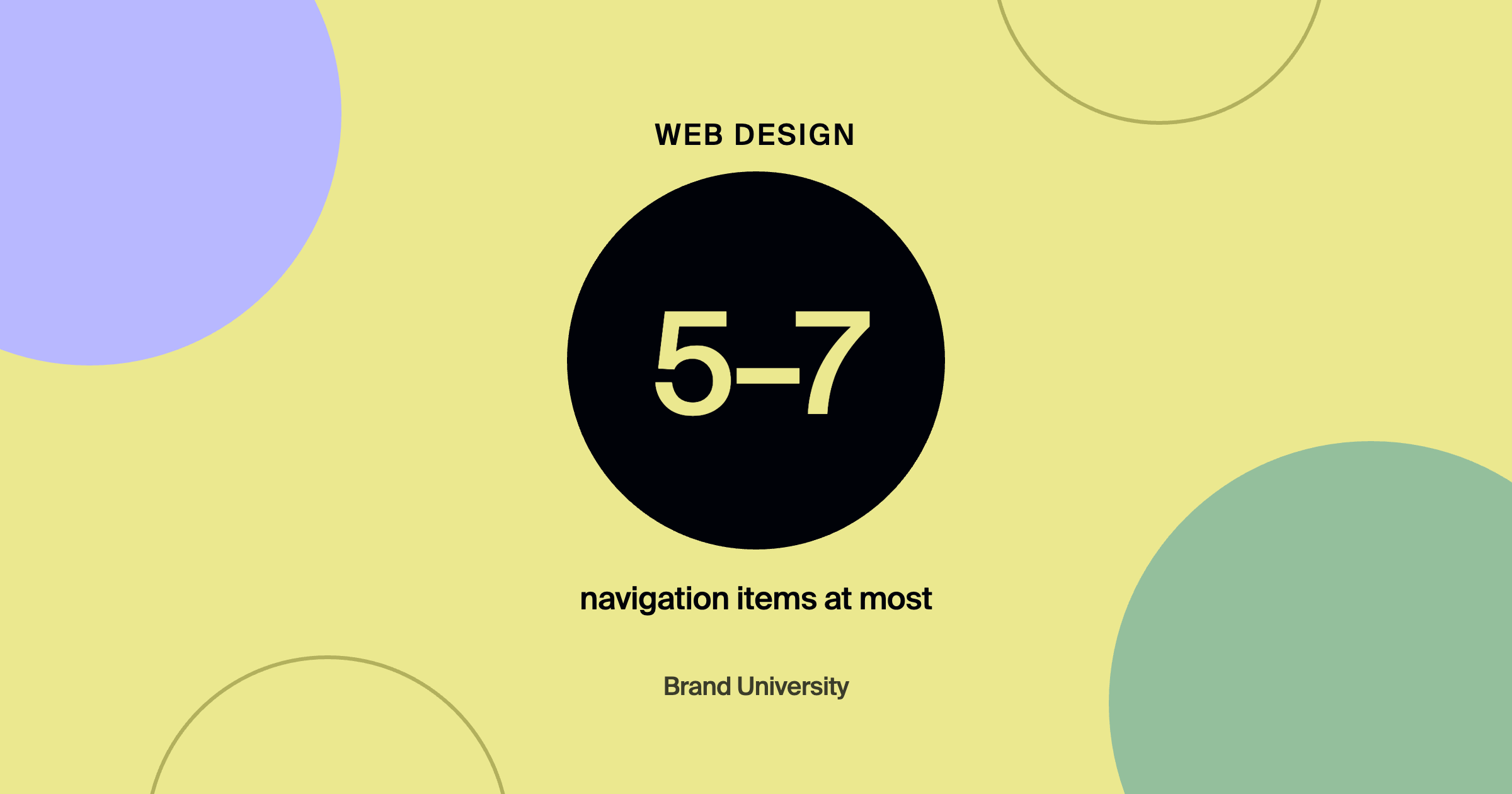
Usually five to seven at most. A menu with twelve links spreads attention and invites wandering. Keep only the pages that support the primary goal, like services, work, about, and contact, and move everything else to the footer. branded by's landing page wireframes that convert show seven layouts built around exactly this kind of focus.
How do you handle clients who want everything on the homepage?
Explain the tradeoff in business terms. Every addition competes with the action that makes them money. Offer a home for the extra content elsewhere, like a resources page or the footer, and show how the focused version guides visitors toward contacting them. Holding this line is one of the most valuable things a designer does on a website project.
Does a single-action structure help with AI search traffic too?
Yes. Visitors referred by AI tools often arrive with high intent and little patience, so a clear next step matters even more. branded by explains how to design for them in AI search conversion landing pages.
Frequently asked questions
Can a website have more than one call to action?
Yes, but one should be primary. Secondary actions can exist as long as they're visually subordinate and don't compete for attention.
Are homepage sliders bad for conversions?
Rotating sliders usually dilute the message and most visitors never see past the first slide. One strong, focused hero almost always performs better.
Where should the primary call to action appear?
In the hero, in the navigation, after major proof sections, and at the bottom of the page.
Where to go from here
Site structure and wireframing are covered in the 5-Figure Websites track inside Brand University. See Landing Pages That Convert Before You Scroll and How We Build 5-Figure Websites in 6 Weeks, then join Brand University on Skool for wireframe feedback.
About the author
Warren Coppage is an owner and the Director of Growth at branded by, a brand-first growth agency based in Greenville, South Carolina. He leads advertising and growth for branded by's clients and has managed more than $10 million in ad spend across home service, eCommerce, and other industries. He writes for Brand University about the marketing, web, and sales side of running a design business. Connect with him on LinkedIn or learn alongside him in the Brand University community on Skool.