Claude + Webflow: How to Build and Edit Websites Faster Than Your Clients Can Brief You


The short answer: connect Webflow to Claude through the official connector and Claude can set up CMS collections, bulk update items, run SEO audits, and draft content that fits your schema, all from plain-language prompts. It handles the operational layer of a build. You keep creative direction and design decisions.
Key takeaways
- Claude handles structure and busywork. You handle the craft.
- CMS schema setup drops from hours to minutes.
- Bulk SEO and content updates happen in one prompt.
- Start with approval-required permissions on live sites.
- Setup takes about five minutes.
What problem does Claude + Webflow solve for designers?
Client sends over their brief on Monday. They want to see something by Thursday. You've got two other active projects, a discovery call Wednesday, and zero desire to spend 14 hours in Webflow doing structural setup before you even get to the creative.
That's the problem Claude + Webflow solves. Not the creative work. You own that. But the CMS scaffolding, the collection setup, the content structure, the bulk updates, the SEO audit? Claude can move on all of it while you stay in design mode.
This isn't a future workflow. Anthropic's official Webflow connector launched February 9, 2026, and it's live now. Most designers aren't using it yet. That's a window.
What can Claude actually do in Webflow?
When you connect Webflow to Claude via MCP (Model Context Protocol), Claude gets direct access to your Webflow Designer and Data APIs. It can read your site structure, manage CMS collections, update styles, create pages, run audits, and push changes, all from natural language prompts. Claude stops being a brainstorming tool and becomes an active operator inside your Webflow environment.
It can create and structure CMS collections from your brief, bulk update dozens of CMS items with one prompt, run an SEO audit across the site and flag what's missing, manage variables and design tokens, draft page content that slots into your schema, and map page architecture before you open the Designer.
What it doesn't replace: your design eye, your creative direction, your visual decisions. Claude handles the operational layer. You handle the craft. That split is what makes it powerful.
Claude handles
- CMS collection setup from your brief
- Bulk updates across CMS items
- Site-wide SEO audits
- Page content drafted to fit your schema
You keep
- Your design eye
- Creative direction
- Visual decisions
What does this look like on a real project?
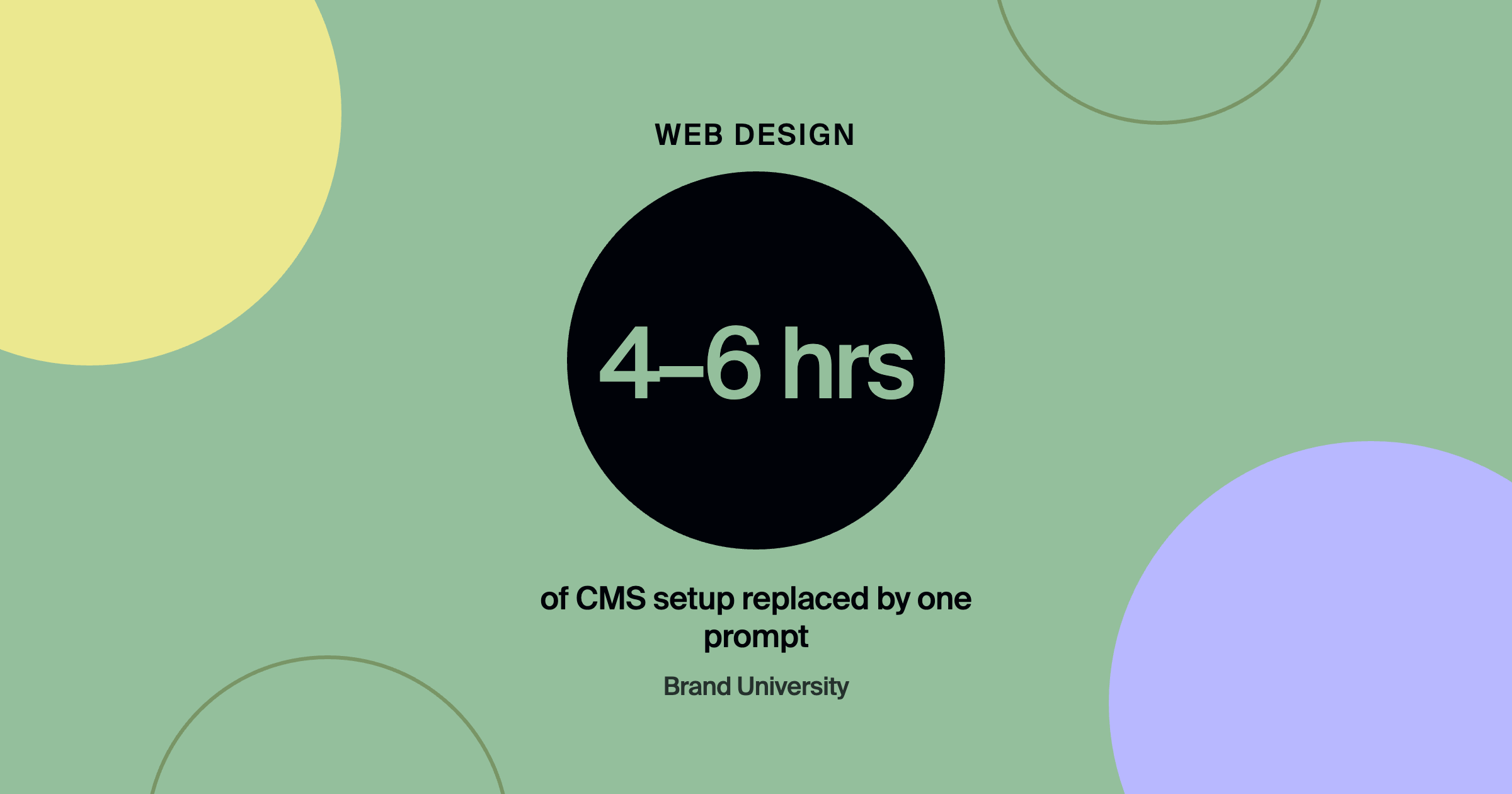
CMS setup. Instead of 4 to 6 hours clicking through menus, prompt Claude: I'm building a website for a brand identity agency. Set up a Webflow CMS with collections for Case Studies (client name, industry, project type, challenge, solution, outcome, cover image, gallery, date), Services (name, description, deliverables, starting price), and Team Members (name, role, bio, headshot). Use the right field types. Consistent schema every time.
Bulk content updates. Review all the case study items in my Webflow CMS and add an SEO meta description to any that are missing one. Write descriptions that are 150 to 160 characters and include the client industry and the design solution delivered. Claude finds the gaps, writes the descriptions, and updates the items.
Pre-launch SEO audit. Run an SEO audit on my Webflow site. Flag pages missing title tags, meta descriptions, H1 tags, or image alt text, check for duplicates, and give me a prioritized list. You get a structured issue list in minutes. Pair it with branded by's 50-point website redesign checklist for the UX side.
Content drafting at scale. Draft a new case study for my Webflow CMS. Client: a Series B health tech company. Project: complete brand identity system. Challenge: they looked like a startup from 2019 going into enterprise sales conversations. Solution: new visual identity, guidelines, and messaging. Outcome: closed their first enterprise contract within 60 days of launch. Write each section to fit the CMS fields. Structuring pages so AI search tools can quote them helps too, which branded by covers in how to structure service pages so AI can quote them.
How do you connect Claude to Webflow?
Open claude.ai/settings/connectors, search for Webflow, click connect, authorize via OAuth, choose which sites Claude can access, and set your permission level. Start with approval-required on production sites, so Claude shows what it's about to do and asks before executing. Once you trust the workflow, loosen the reins on staging environments.
Is it worth learning now?
Designers who master this ship client work faster, at higher quality, with less operational drag. That means more bandwidth for the creative decisions that actually need a human eye. It pairs naturally with a structured build process like How We Build 5-Figure Websites in 6 Weeks.
Frequently asked questions
Can Claude design a Webflow site on its own?
It can create pages, structure, and content, but creative direction and visual quality still depend on you. Treat it as an operator, not a replacement.
Is it safe to connect Claude to a live client site?
Use approval-required permissions on production sites so every change is confirmed first, and test bigger changes on staging.
Do I need a paid Claude plan to use the Webflow connector?
Connector availability depends on your Claude plan. Check the connectors page in your Claude settings for current options.
Where to go from here
Brand University covers the full tech stack for a modern design agency. Compare platforms in Webflow vs. Framer and Webflow vs. WordPress, then join Brand University on Skool.
About the author
Evan Barnes is the founder of Brand University and of branded by, a brand-first growth agency based in Greenville, South Carolina. He built Brand University to teach designers the business side of design, from positioning and pricing to running client work, and more than 1,200 designers now learn inside the Brand University community on Skool.